浏览器 Web Streams:用背压把流式处理跑稳

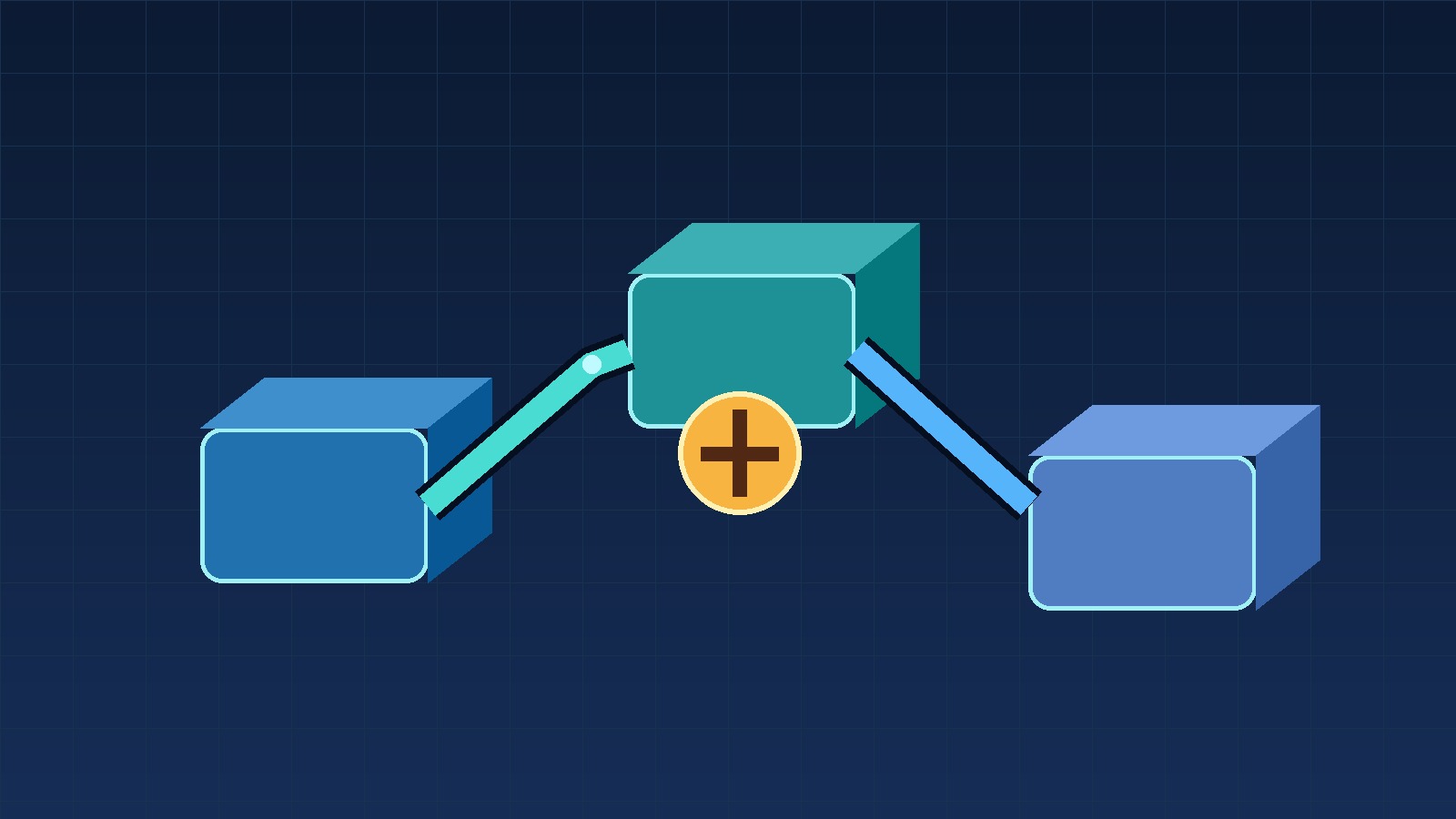
Web Streams 背压示意图

文件上传、下载和模型输出都可能持续产生数据。一次性读取会让内存随文件增长;Web Streams API 将数据拆成块,并用背压让生产者适应消费者速度。

一条流由谁负责什么

浏览器常见的流有三类:ReadableStream 负责产生数据,TransformStream 负责转换,WritableStream 负责落地。fetch() 的 response.body 就是一个可读流。三者可以用 pipeThrough() 和 pipeTo() 串起来,形成清晰的处理管线。
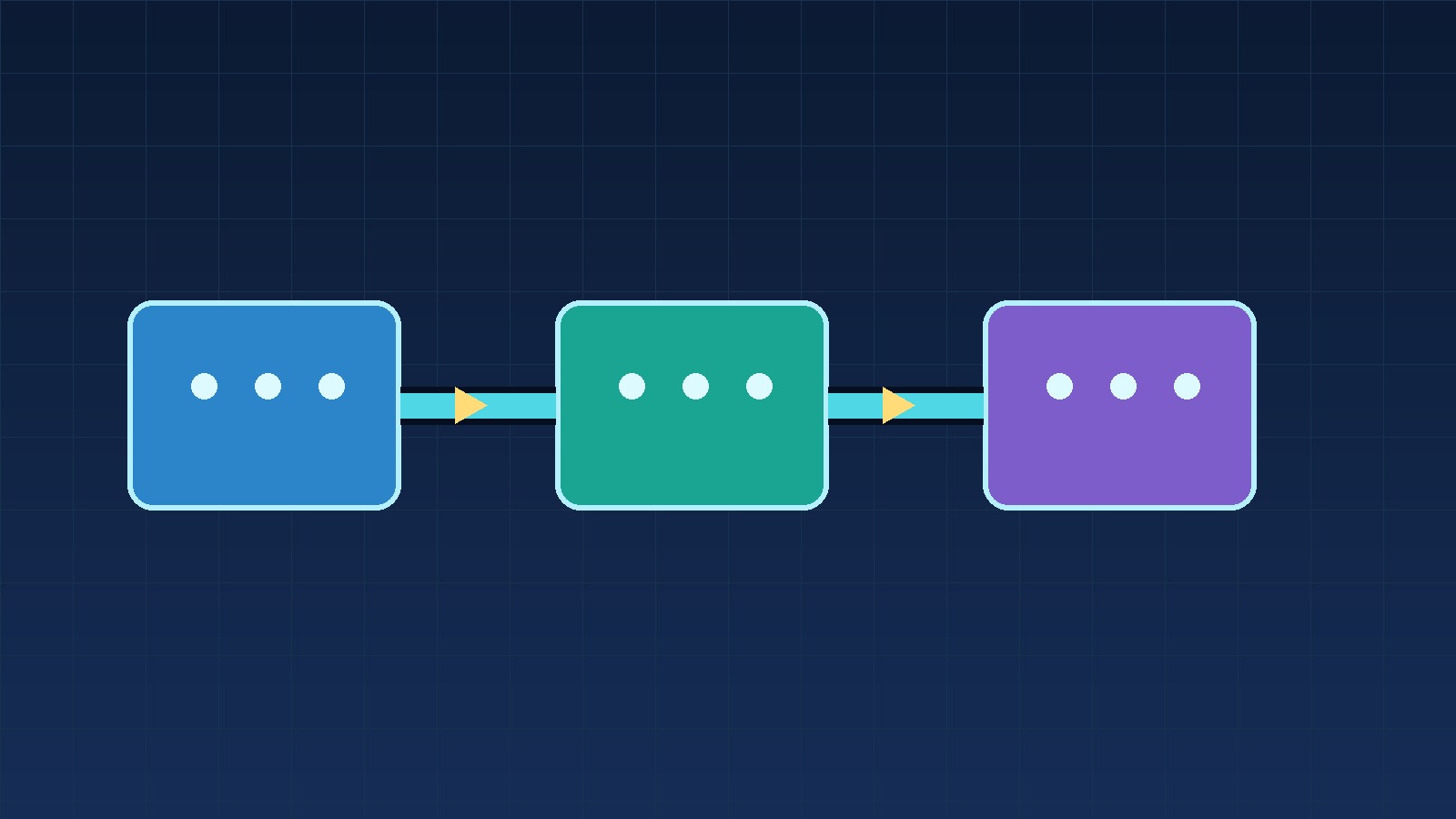
流式管线的三个阶段

下面把响应按行拆开。TextDecoderStream 处理跨块 UTF-8 字符,避免汉字被切开。

1
2
3
4
5
6
7
8
9
10
11
12
13
14
15
16
17
18
19
20
21
const response = await fetch('/events.log');
if (!response.ok || !response.body) throw new Error('stream unavailable');

const lines = response.body
.pipeThrough(new TextDecoderStream())
.pipeThrough(new TransformStream({
start() { this.pending = ''; },
transform(chunk, controller) {
this.pending += chunk;
const parts = this.pending.split('\\n');
this.pending = parts.pop();
for (const line of parts) controller.enqueue(line);
},
flush(controller) {
if (this.pending) controller.enqueue(this.pending);
}
}));

for await (const line of lines) {
renderLine(line);
}

背压是怎么发生的

生产者调用 controller.enqueue() 时,队列会记录积压量。消费者处理得慢,队列就会接近 highWaterMark;这时流的内部机制会降低拉取频率。对于自定义可读流,pull() 只应在有需求时补充数据,不要在 start() 里无条件开启一个无限循环。
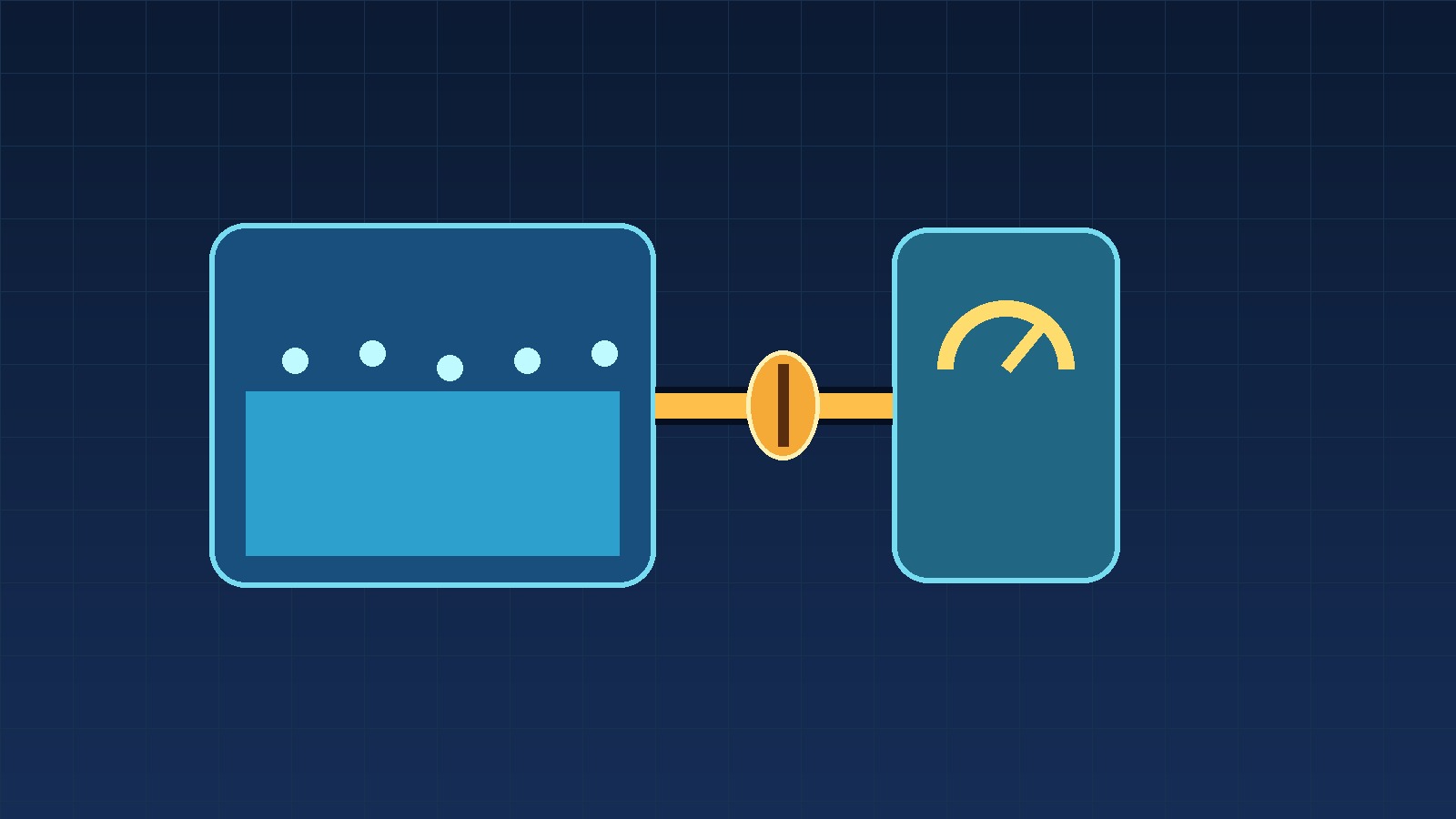
队列与背压阀门

1
2
3
4
5
6
7
8
9
10
const source = new ReadableStream({
async pull(controller) {
const chunk = await readNextChunk();
if (chunk === null) controller.close();
else controller.enqueue(chunk);
},
cancel(reason) {
closeFileHandle(reason);
}
}, { highWaterMark: 4 });

highWaterMark 不是越大越快:太小增加调度次数,太大放大内存峰值。应结合 chunk 大小和消费者耗时压测。

取消、错误和资源清理

流式处理持续时间更长,取消必须贯穿整条链路。请求层使用 AbortController,消费层在 finally 中释放状态或文件句柄。pipeTo() 的异常默认会传播;若要保留某一端,明确设置 preventAbort、preventCancel。

1
2
3
4
5
6
7
8
9
10
11
12
const controller = new AbortController();
const output = response.body.pipeThrough(transform);

try {
await output.pipeTo(fileSink, { signal: controller.signal });
} catch (error) {
if (error.name !== 'AbortError') report(error);
} finally {
hideProgress();
}

button.onclick = () => controller.abort('user-cancelled');

上线前检查表

检查点 建议做法
内存 大文件配慢消费者,观察队列峰值
编码 尽早使用 TextDecoderStream
结束 覆盖空流和最后一块无换行
取消 测试用户取消、离页和断网
错误 分别记录生产、转换、写入

先画出生产者、转换器和消费者,再为每个边界补上背压、取消与清理,流式功能才能在真实网络和文件大小下保持可控。